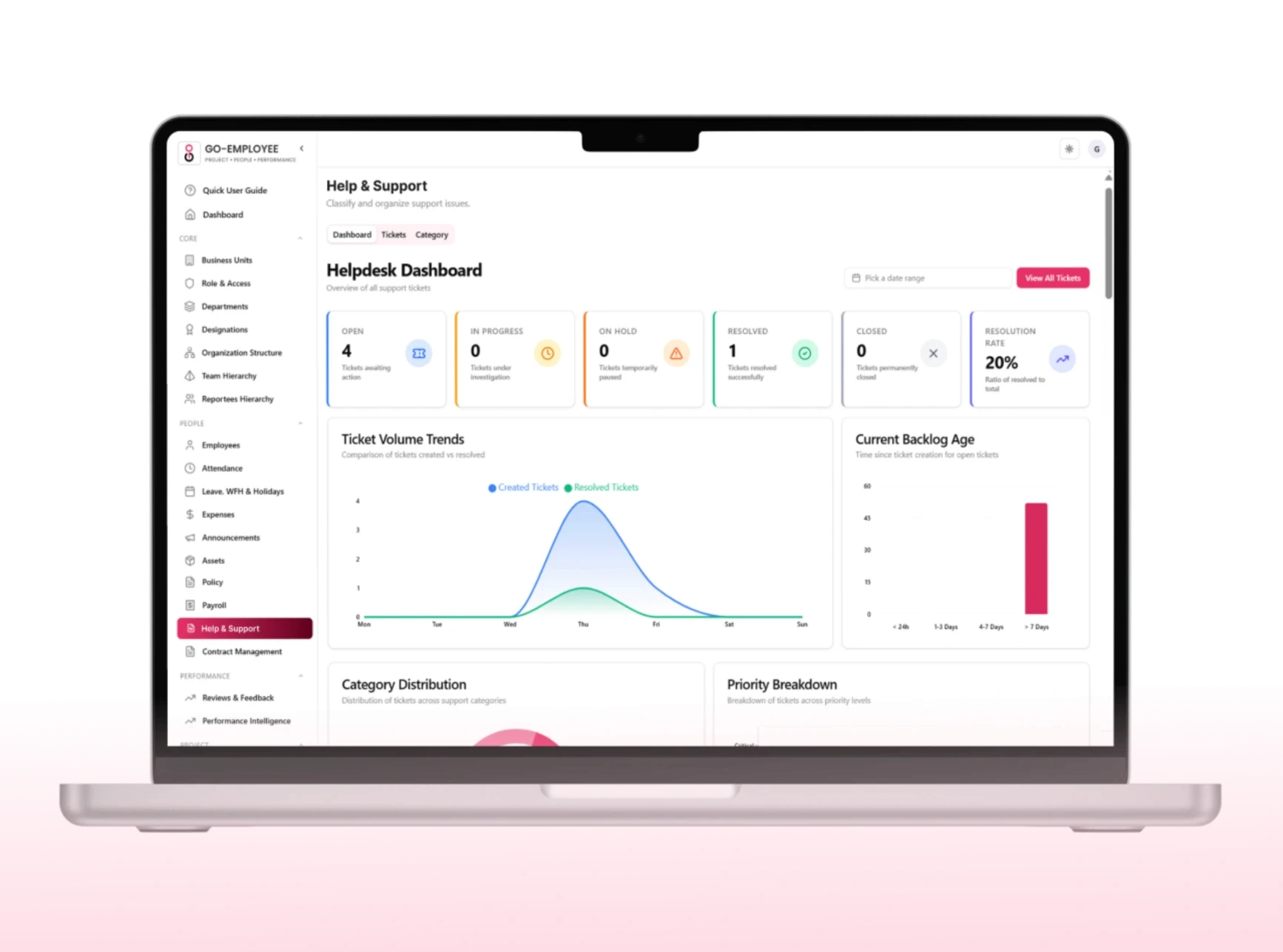
When employees need support whether it's an IT issue, an HR query, or a payroll discrepancy they shouldn't be sending messages into the void. Go-EMP's centralized helpdesk gives every request a home, every ticket a status, and every employee a transparent path to resolution.
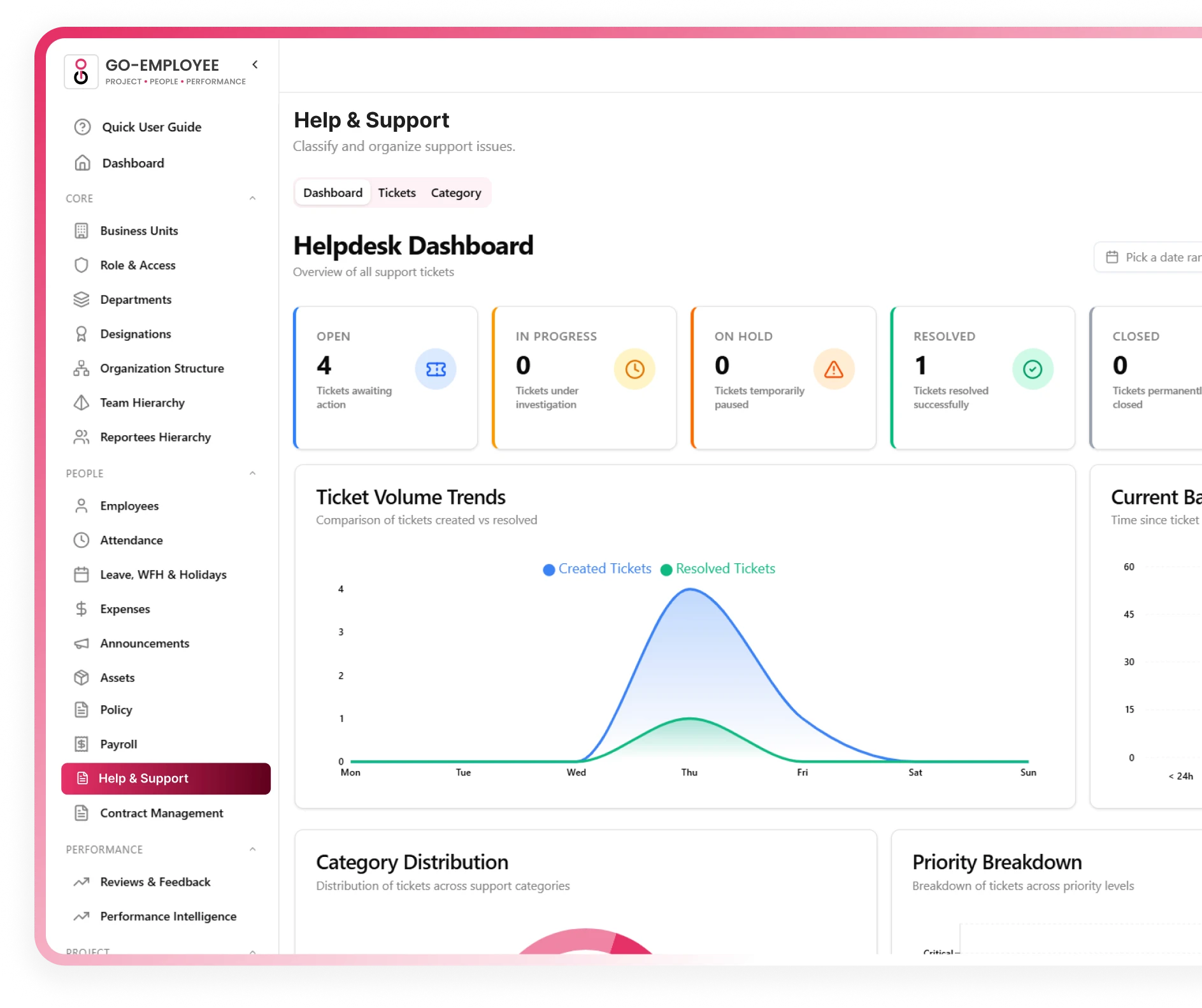
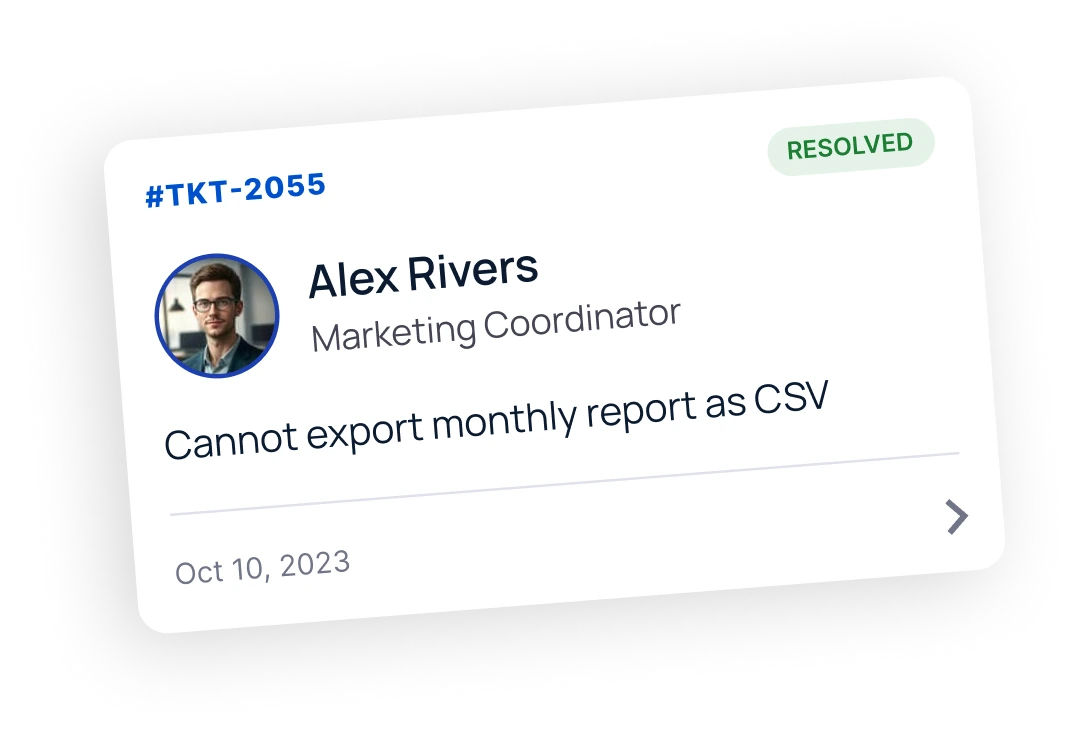

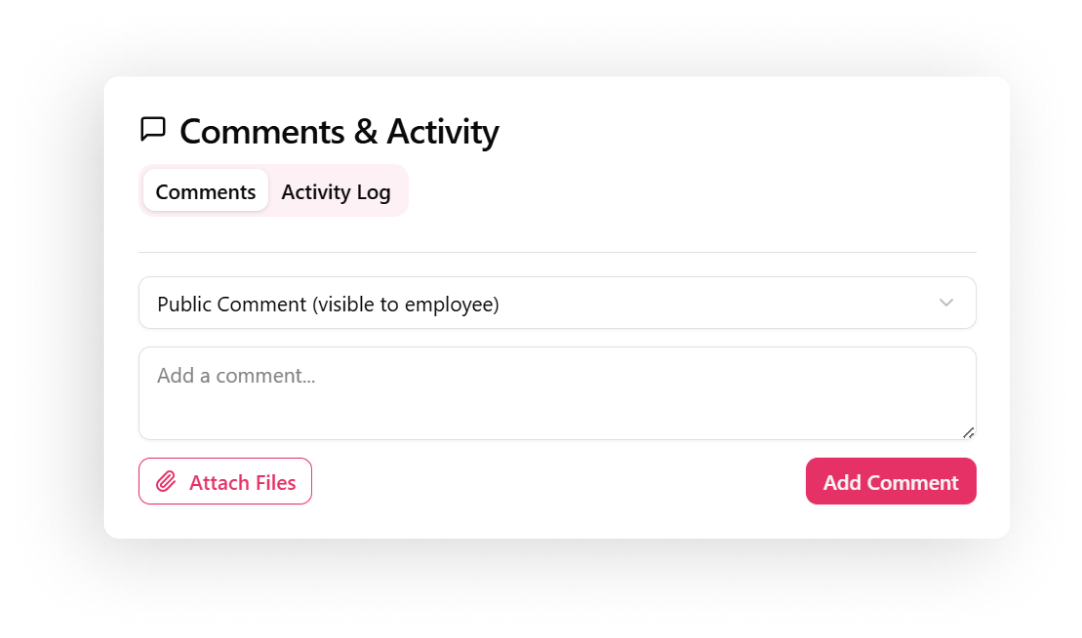





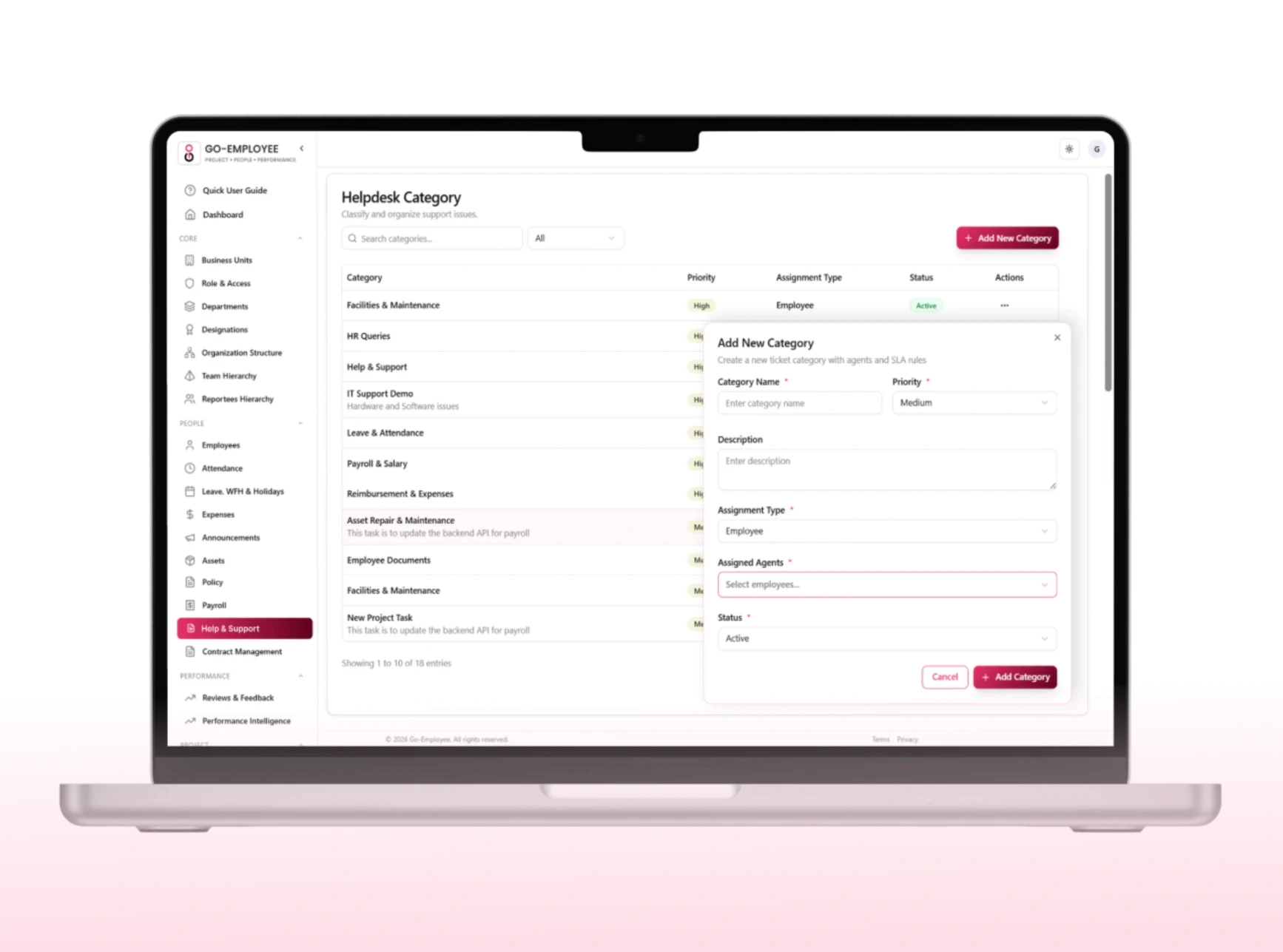
Create ticket categories that match your organization's support structure. Each category can have dedicated agents, priority classifications, and department-level routing so every request lands in the right hands immediately.


Description, attachments, assigned agent, priority, category, resolution notes, and linked employee information all centralized so support teams can act without switching screens.
Publishing a policy isn't enough. Go-EMP tracks acknowledgments in real time, so HR always has proof that employees reviewed and accepted each policy. One-click acceptance, mandatory read confirmations, and digital sign-offs make the process simple for employees and audit-ready for the organization.

Outdated policies are a compliance risk. Go-EMP lets HR schedule regular review cycles and automatically notifies policy owners when a revision is due. Track policy expiry dates, manage renewal timelines, and maintain a complete review history so your documentation always reflects current regulations and business requirements.
Closed tickets are stored in a searchable archive with full resolution records, employee ticket history, and the ability to reopen if an issue resurfaces. A permanent knowledge base built automatically.

Built for every stakeholder in your policy process.
Submit tickets in seconds from web or mobile
Track request status without follow-up messages
Faster resolutions with structured routing
Full transparency on every ticket's progress
Complete personal ticket history, always accessible
Employees
All requests centralized no inbox juggling
Better workload distribution across agents
Faster resolution with full ticket context visible
SLA compliance tracking and breach alerts
Improved team collaboration through internal notes
Support Teams
Improved employee experience through faster support
Real-time service performance visibility
Better operational efficiency across departments
Data-driven decisions on support team capacity
Enhanced accountability with full audit trails
Leadership



Frequently Asked Questions
You can link banks, tools, and spreadsheets directly from the setup page with secure one click integrations.
What is helpdesk management?
Helpdesk management is the process of organizing, tracking, and resolving customer support requests through a centralized helpdesk system.
Why is helpdesk management important for businesses?
You can link banks, tools, and spreadsheets directly from the setup page with secure one click integrations.
What features does helpdesk management include?
You can link banks, tools, and spreadsheets directly from the setup page with secure one click integrations.
How does helpdesk management improve customer support?
You can link banks, tools, and spreadsheets directly from the setup page with secure one click integrations.
Can helpdesk management automate support tasks?
You can link banks, tools, and spreadsheets directly from the setup page with secure one click integrations.